


Now VoxelSniper is working..
There are plenty of guides on how to use VoxelSniper, but I’d always rather learn by doing.. so I watched the first part of a guide on how to build a road, and then started fiddling around by myself.
Your VoxelSniper tools are an arrow.. a bog-standard arrow, nothing special.. and a piece of sulphur, maybe better known as gunpowder. All you need to do is give these to yourself via op command: “/give $player 262” and “/give $player 289”, and then have one in your hand to start sniping!
Default values mean a brush size of 1, with material air, so you’ll only see an effect from using the arrow, which replaces the block you’re pointing at. Changing the material allows you to see a bit more.. using the command “/v (material)”.. for me, this was “/v 57”.. then a right click with the arrow replaces your block with a diamond block, while a right click with the sulphur adds a diamond block on top of the one you were pointing at.
You can change the brush type: “/b b” for ball, or “/b d” for disc, then size: “/b (radius)”.
I went with the disc to start with..
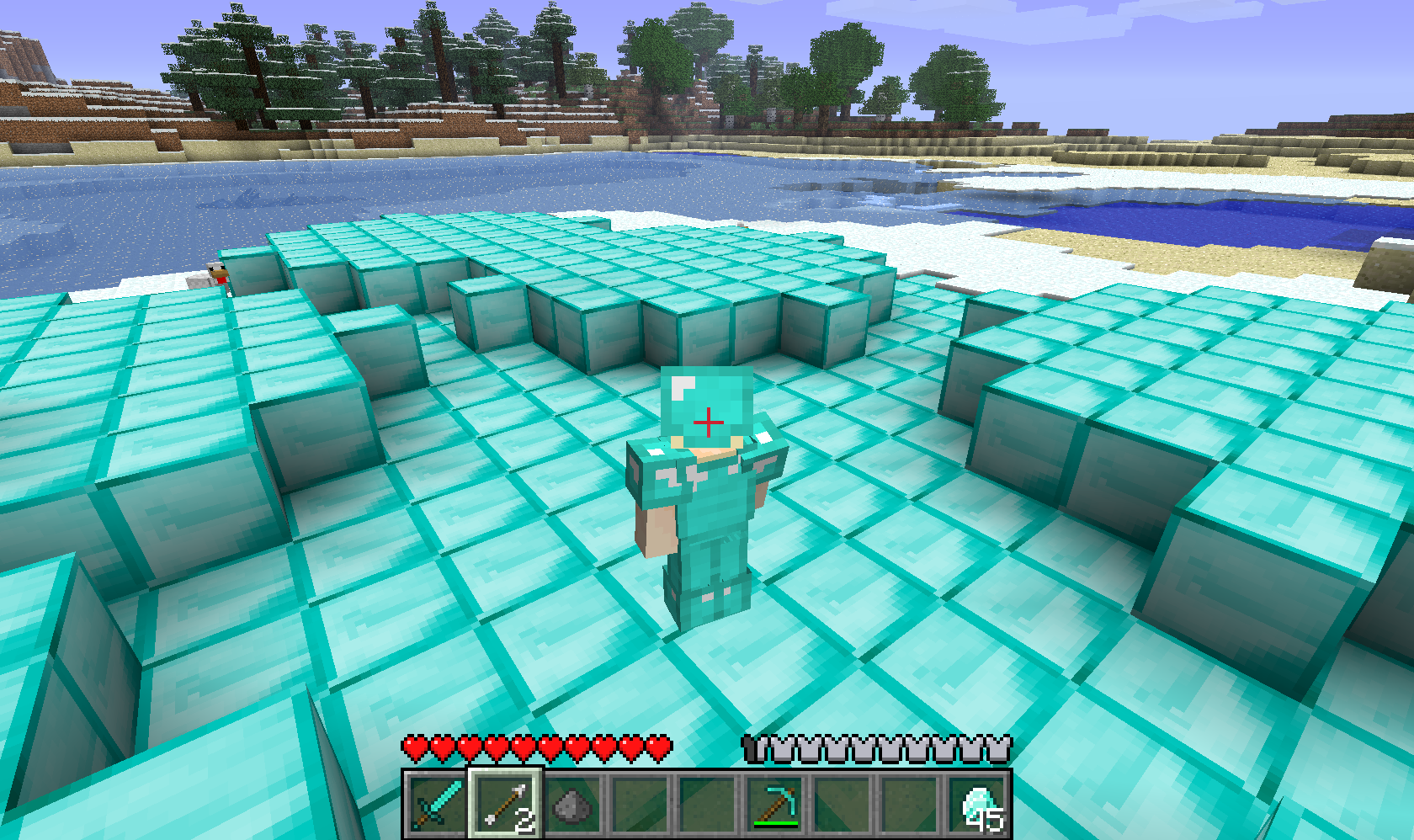
Maybe I went a little mad with the diamonds, but they are meant to be a girl’s best friend 😉
So.. right clicking with the arrow replaces whatever is at the position you’re pointing at, while the sulphur places your material on the row above whatever you’re pointing at. To remove anything, simply set your material to air, using “/v 0”, and click away.
I clicked a few times.. making a nice hole in the ground, through caves.. and then got carried away.
VoxelSniper lets you remove Bedrock too 😮
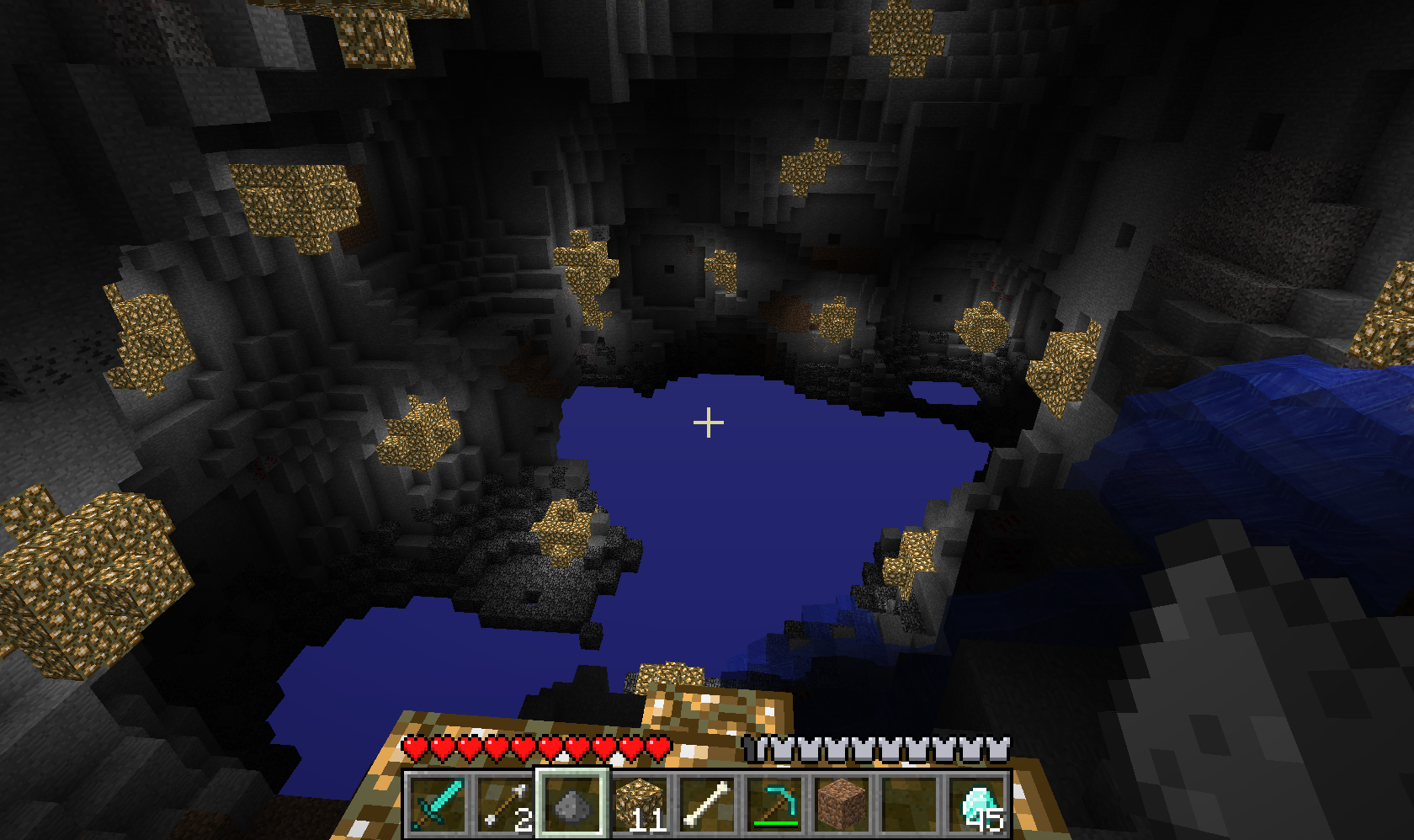
I lit the place up using balls of Glowstone (“/b b”, “/v 89) for this screenshot 🙂
The server handled all this very well.. I didn’t notice any lag during the excavation.
Tim was looking at the server stats.. so I decided to push it a bit, and started placing lots and lots of materials, followed by deleting even more! Holding down the button and sweeping it caused only the slightest delay in seeing the results.. I’ve seen worse “lag” using crazy custom brushes in Photoshop!
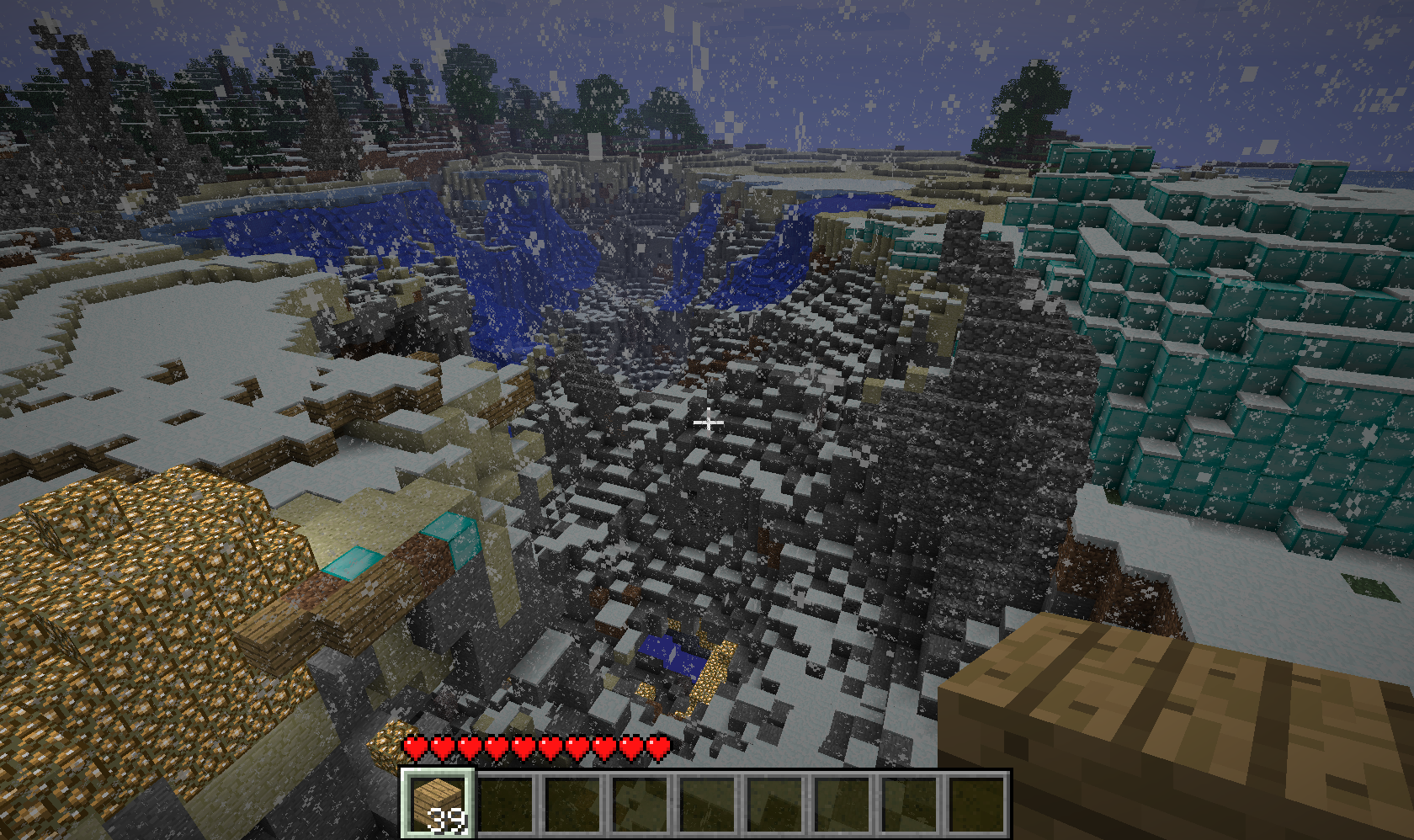
The server barely noticed.. but I think it’s safe to say I’ll be wiping this map and starting again for any real creative work! 😀
Completion, part one..
So, in order to get Heavy Rain, I have to complete two console games..
I normally stay on the PC, because I’m also usually talking to friends via Steam or Mumble. However, it was suggested that I stick Mumble on the laptop, so I can have friends and play on the console 🙂
First on my list was Call of Duty 4: Modern Warfare.
I had gotten half-way through on previous attempts, before being distracted by something newer and shinier.. I’ve also been prodded to finish this by another friend more recently, so completing this game was rather like killing two birds with one stone.
I got most of the way through yesterday, stopping after completing the One Shot One Kill mission. I’m not a particularly good sniper in other games, so I thought I would really struggle with this section. However, I found it easier, and much more enjoyable than expected 🙂


Tonight’s completion of the game took longer than I thought, but apparently I missed a bonus level as I didn’t sit through the credits 🙁
So.. the next console game.. I’m not quite sure which it should be. Possibly Uncharted: Drake’s Fortune, as that’s another I’ve started and not finished, and with the sequel, Among Thieves sitting on the shelf, one I feel a bit more pressure about.